Your IT, handled. Secure and backed up.
Microsoft 365, SharePoint, accounts, devices and backups. We set it up, secure it, and make the part you already pay for actually do the work.
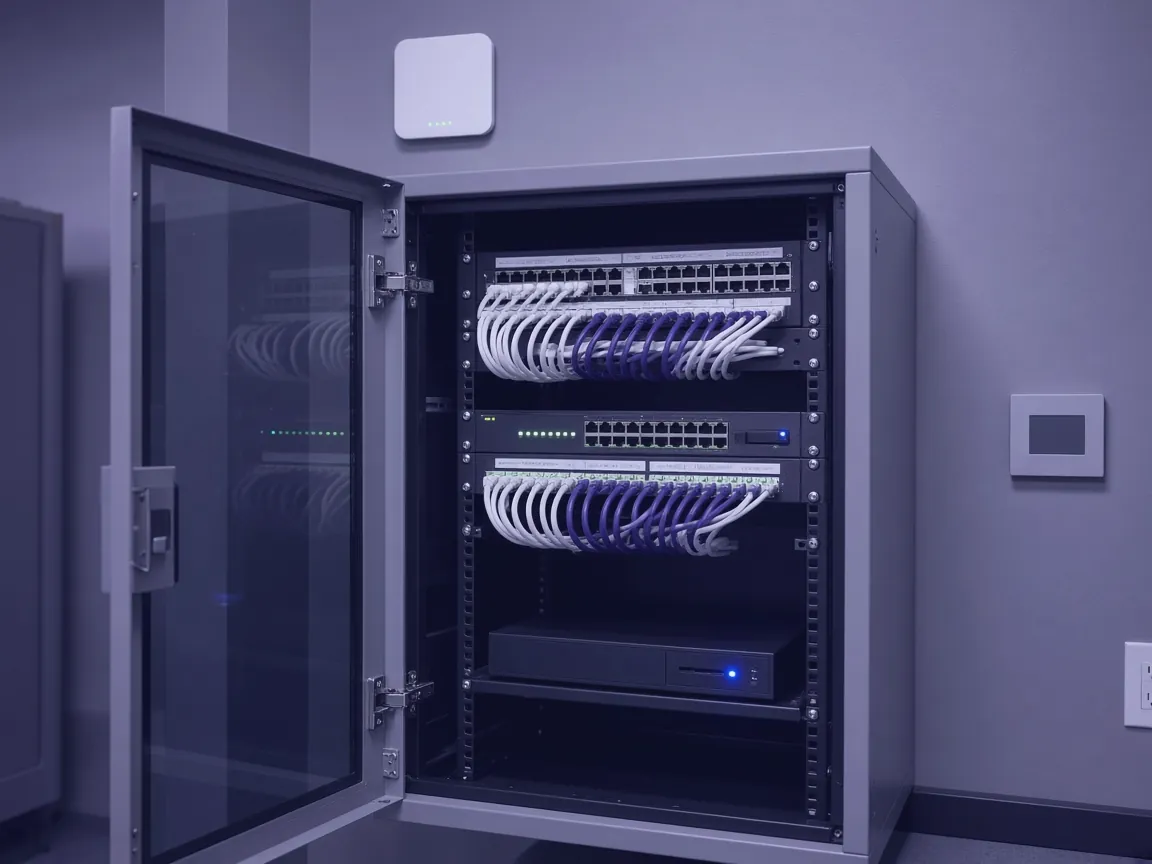
Six things done properly. Then kept that way.
The basics most small offices mean to get to. We set each one up, write it down and check it on a schedule.
Laptops and desktops
Set up the same way, updated, encrypted and listed, so you know who has what.
Wi-Fi and network
A separate guest network, equipment that gets updates, and cables you can trace.
Phones
Work email and files on phones, with a way to wipe them if one goes missing.
Email you can trust
SPF, DKIM and DMARC set on your domain, so your mail lands and fakes get caught.
Accounts and access
Two step sign in for everyone. People get access to what they need, and lose it when they leave.
Backups that restore
Files, email and SharePoint backed up, with test restores on a schedule.
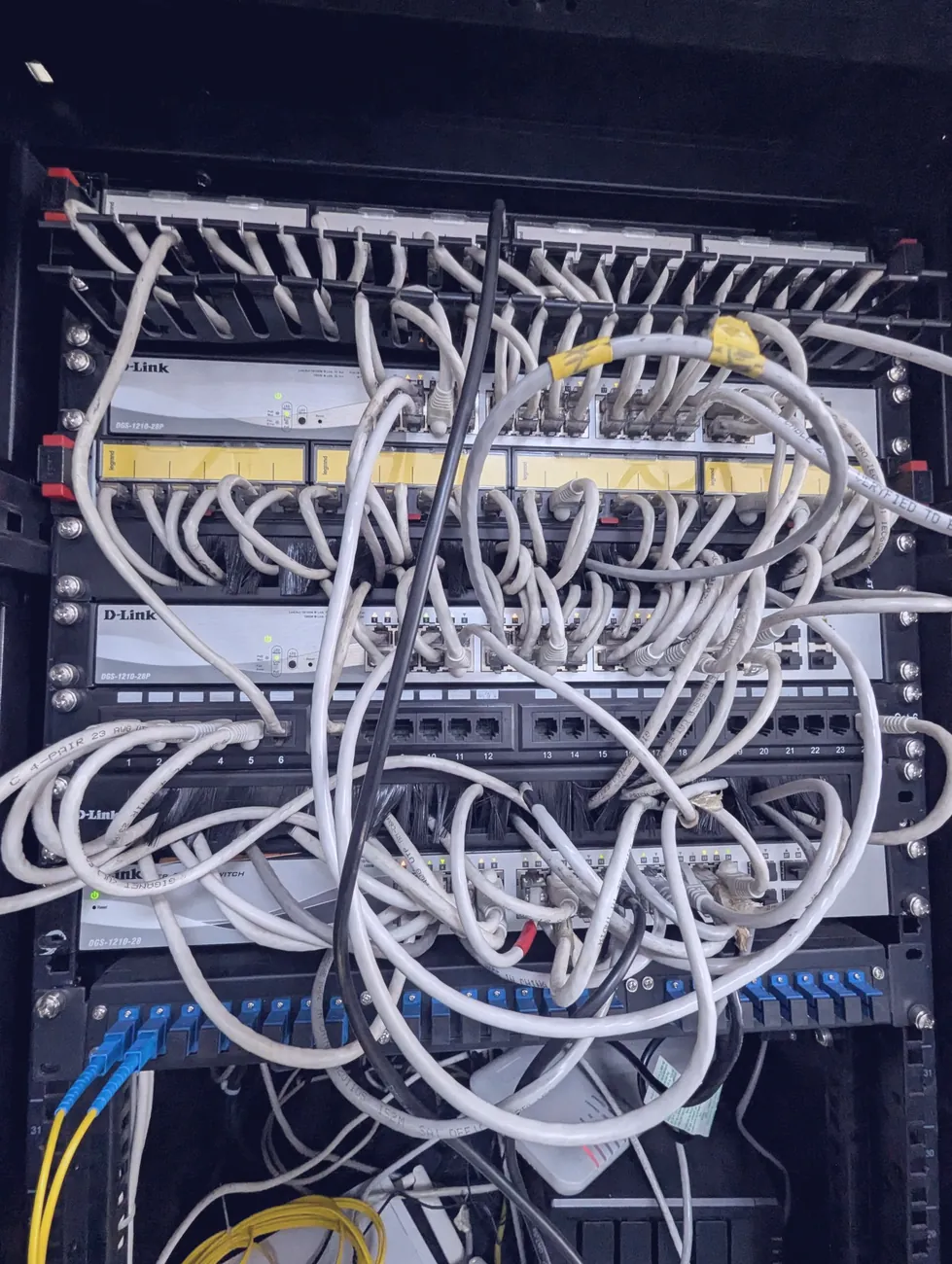 Before
If it is not labeled, it is not fixed.
We clean up the closet, label every line and leave a simple map, so the next problem takes minutes instead of an afternoon.
 After
Audit, fix, then look after it.
We start by finding out what you have. Then we fix the risky parts first and keep the rest in shape.
 Your office, documented
Audit
We list every account, device, license and backup, and find what is missing or exposed.
You getA plain report of what you have and what is at riskSecure
Two step sign in, email protection, device encryption and admin access cleaned up. Risky things first.
You getThe biggest risks closedOrganize
Microsoft 365 and SharePoint set up so files live in one place and the right people can find them.
You getShared files with clear permissionsMaintain
Updates, new starters, leavers, test restores and questions. One number to call when something breaks.
You getIT that stays doneAn office where nobody knew who had the keys.
How a small office might go from guesswork to a clear setup. Names and details are made up.
A former employee still had admin access. Files lived on personal laptops, and the backup had never been tested.
Moved admin access to named accounts, turned on two step sign in, moved files to SharePoint and set up tested backups.
The owner holds the admin keys, files are in one place, and a restore has been tested and written down.
Questions, answered.
The short version: set up properly, in your name, and looked after.
You do. Your Microsoft 365 tenant and admin accounts stay in your name. We work from our own named accounts, which you can remove at any time.
Microsoft 365 and SharePoint are where we do most of our work. Ask us about other setups on a call.
Most work is done remotely. We come on site for setups, network work and anything that needs hands on the hardware.
The first audit and cleanup is a fixed project. Ongoing support is a flat monthly rate based on your people and devices.
We agree response times with you up front and put them in writing.